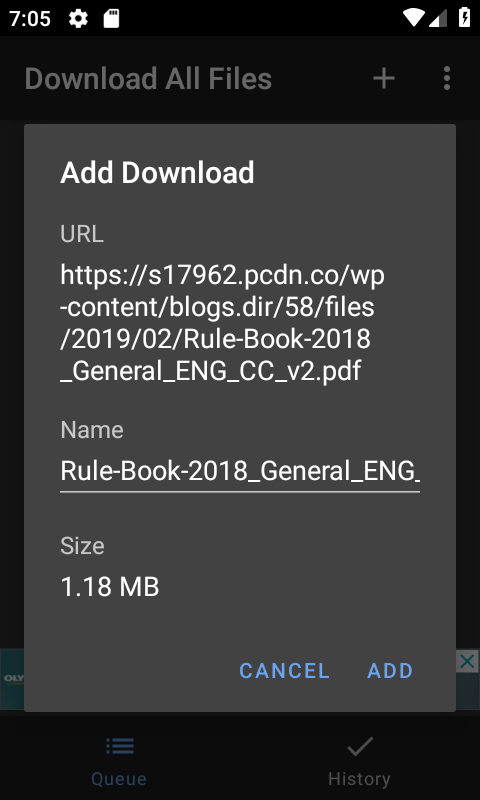
Step 1
Open a web page in Chrome. Tap the share icon and select Download All Files from the share menu.
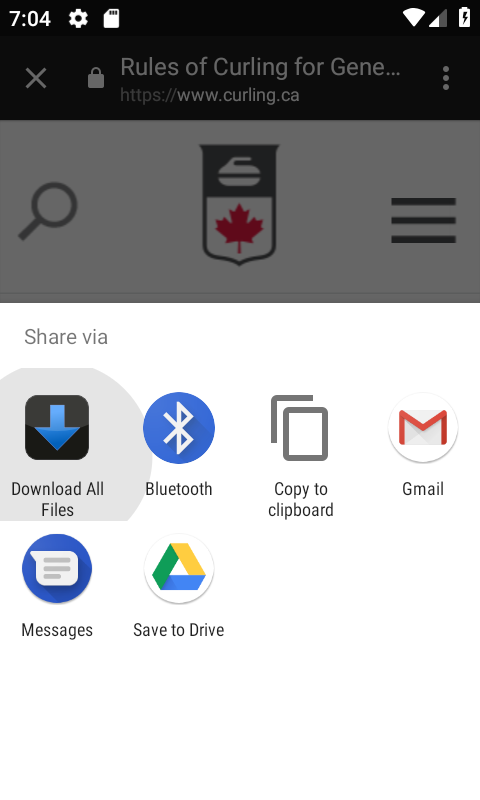
Add download links from Chrome browser to Download All Files.
Open a web page in Chrome. Tap the share icon and select Download All Files from the share menu.
The app will scan the page and show all downloadable links. Select the files you want and tap Add to queue them for download.